In today’s digital world, content is created at a faster pace than ever before. Videos dominate social platforms, businesses rely on webinars to educate customers, and creators publish tutorials daily. But there’s one challenge: not everyone can consume every video. That’s where video to text transcription steps in as a true content marketing game changer. It transforms visual content into accessible, searchable, and reusable text that brings new life to every video you produce.
In this article, I’ll walk you through why transcription matters, how a video to text converter works, and the powerful ways businesses can leverage it to unlock massive content potential.
What Is Video to Text Transcription?
Video to text transcription is the process of turning spoken words from a video into written text. Whether done manually or automatically using AI tools, the result is the same: you get a clean, readable transcript that can be used for blogs, captions, emails, scripts, or SEO.
This simple transformation dramatically increases the value of your content. Instead of relying on viewers to sit through a 10-minute video, you offer them quick access to readable information—something their schedules and attention spans often prefer.
Why Is Video to Text Transcription a Game Changer for Marketers?
1. It Boosts SEO and Search Visibility
Google can’t fully “watch” your videos, but it can read text. When you convert your video into text, you give search engines more keywords, more context, and more opportunities to rank your content.
Here’s how transcripts help:
- They turn long-form video content into indexable text.
- They allow you to repurpose small quotes into keyword-rich snippets.
- They help YouTube videos rank higher by adding transcripts and closed captions.
Using a video to text converter is one of the easiest ways to boost SEO without creating new content from scratch.
2. It Makes Content More Accessible
Millions of people are deaf or hard of hearing, and millions more prefer reading over listening. Video transcription ensures that your message is inclusive.
Accessibility benefits include:
- Allowing users to follow content without sound
- Helping non-native speakers understand your message
- Ensuring compliance with accessibility guidelines (like WCAG)
With a transcript available, no one is excluded from your content.
3. It Saves Time for Your Audience
Today, not everyone has time to watch a full video. Many viewers just want the highlights. A transcript:
- Helps readers skim for the information they need
- Allows faster consumption than watching
- Makes your content more user-friendly
For busy professionals and fast-paced learners, text offers efficiency that video alone can’t match.
4. It Helps You Repurpose Content Across Many Platforms
This is where transcription truly shines.
Once you have text, you can repurpose a single video into:
- A blog post
- Several social media snippets
- A podcast script
- An article for LinkedIn
- An email newsletter
- Product documentation
- Customer FAQs
One video can easily generate 10 or more new pieces of content, all thanks to a transcript.
Imagine recording a quick tutorial and then turning it into:
- A how-to guide
- A step-by-step checklist
- A short-form caption
- A newsletter tip
- A knowledge base article
A good video to text converter gives you everything you need with one click.
5. It Improves Your Workflow and Productivity
Creators, marketers, educators, and business teams all benefit from faster workflows.
Instead of writing from scratch, you can:
- Convert a video meeting into meeting notes
- Transform a webinar into a blog article
- Turn interviews into usable quotes
- Create documentation directly from training videos
The time saved is significant. Instead of rewatching the video multiple times, you simply scan the transcript.
How a Video to Text Converter Works
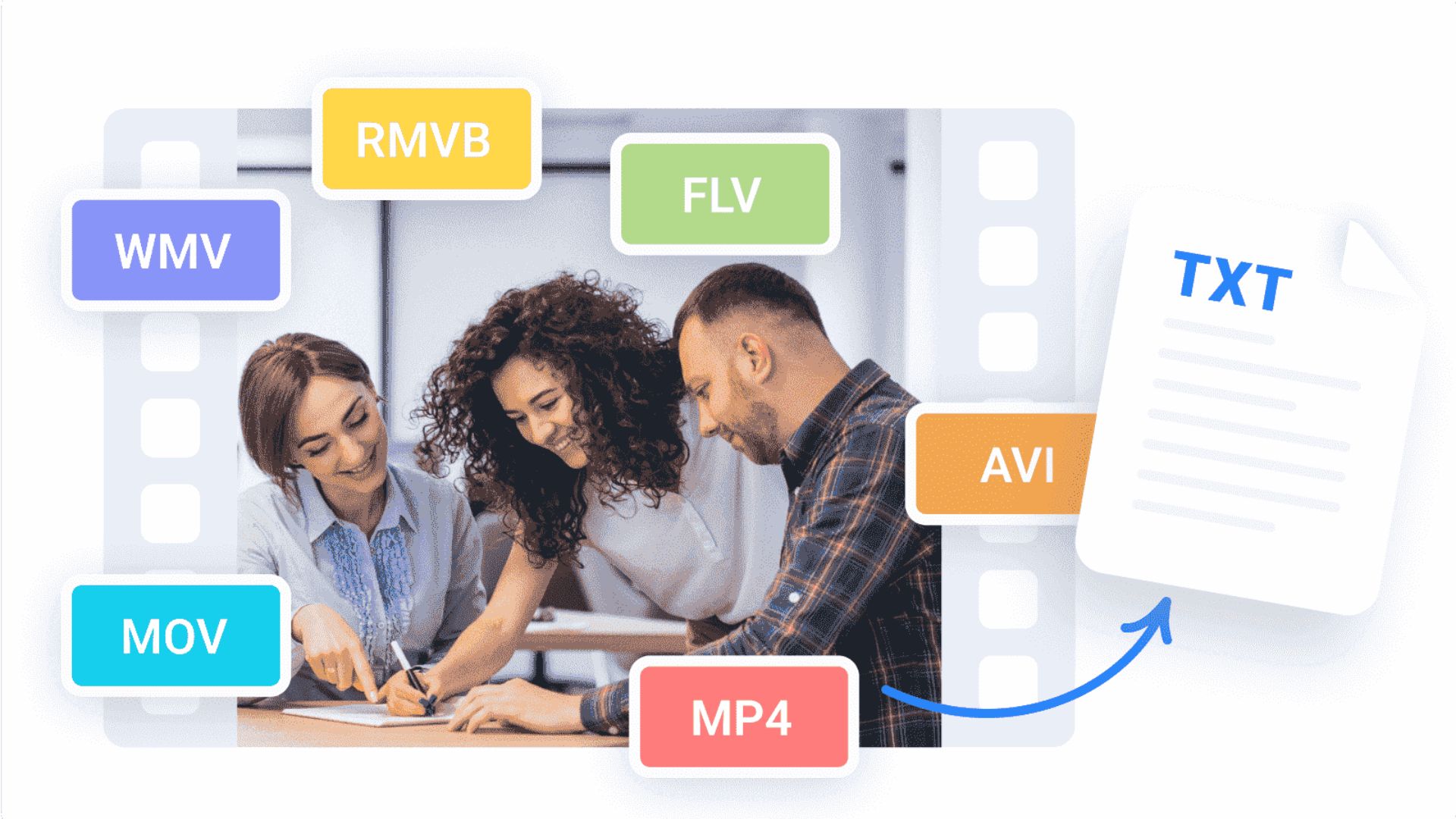
A video to text converter uses speech recognition technology to automatically turn audio into readable text. Here’s a simple breakdown:
Step 1: Upload the Video
You upload MP4, MOV, AVI, or any supported video format to the tool.
Step 2: AI Analyzes the Audio
The tool listens to speech, detects speakers, and identifies different languages or accents.
Step 3: The System Generates Text
In seconds, the AI transcribes your entire video into clean, accurate text.
Step 4: You Edit (If Needed)
Most converters let you fix names, timestamps, or formatting.
Step 5: Export the Transcript
Download it as:
- TXT
- DOCX
- SRT
- VTT
This is perfect for captions, blogs, notes, and more.
Who Benefits Most From Video to Text Transcription?
1. Content Creators
They repurpose content easily and grow faster without creating endless videos.
2. Marketers
Transcripts fuel blogs, ads, social posts, and SEO.
3. Educators
Teachers and trainers can generate lecture notes instantly.
4. Businesses
Companies can document meetings, training, and interviews.
5. Podcasters
They can convert episodes into blog posts for extra visibility.
6. Journalists
Interviews become searchable and easier to quote.
Essentially—anyone producing video benefits.
How Transcription Enhances Social Media Strategy
Platforms like TikTok, Instagram, and Facebook now rely heavily on captions. Many users scroll with sound off. Without text overlays, your message gets lost.
Transcripts help creators extract:
- Eye-catching hooks
- Short motivational quotes
- Mini-stories
- Key lessons
- Valuable tips
These pieces become powerful short-form posts with minimal effort.
The Best Use Cases for Video to Text Converters
Here are real-world examples of how people use transcription tools daily:
For Businesses
- Turning virtual meetings into summaries
- Creating employee manuals from training videos
- Generating marketing content from video demos
For Educators
- Creating course materials
- Helping students review lectures
- Preparing exam notes
For Creators
- Turning long videos into scripts for new content
- Enhancing discoverability through captions
- Publishing blog posts based on video topics
For Coaches & Consultants
- Creating worksheets from coaching sessions
- Producing ebooks from recorded workshops
The possibilities are endless.
Why You Should Start Using a Video to Text Converter Today
If you create videos in any capacity, adding transcription to your workflow will:
- Save time
- Boost engagement
- Increase accessibility
- Improve productivity
- Expand your content library
- Grow your online presence
Even a single tool can transform your workflow entirely.
Conclusion
Video to text transcription is no longer just a helpful add-on — it’s a necessity for anyone creating digital content. With videos becoming the dominant form of communication, transcripts ensure that your message is accessible, SEO-friendly, and ready to be repurposed across multiple platforms.
A reliable video to text converter allows you to turn a single piece of video content into a full content strategy, making it one of the smartest investments for creators, businesses, and educators alike.
If you want to stay ahead in content marketing, start converting your videos into text today. Your audience—and your workflow—will thank you.